Vertex AI is now Gemini Enterprise Agent Platform! We are currently updating our content to reflect this change. Please bear with us if you encounter naming inconsistencies during this transition.
Sharifah Fatiaah Syed Hussin
成为会员时间:2019
白银联赛
3444 积分
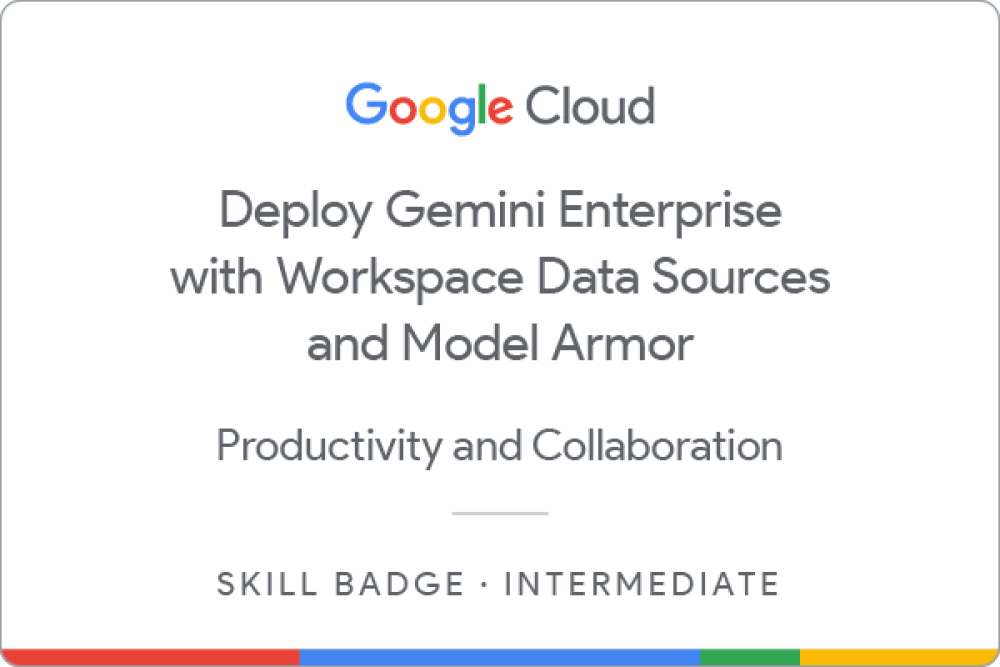
Deploy Gemini Enterprise with Workspace Data Sources and Model Armor
Earned Apr 24, 2026 EDT
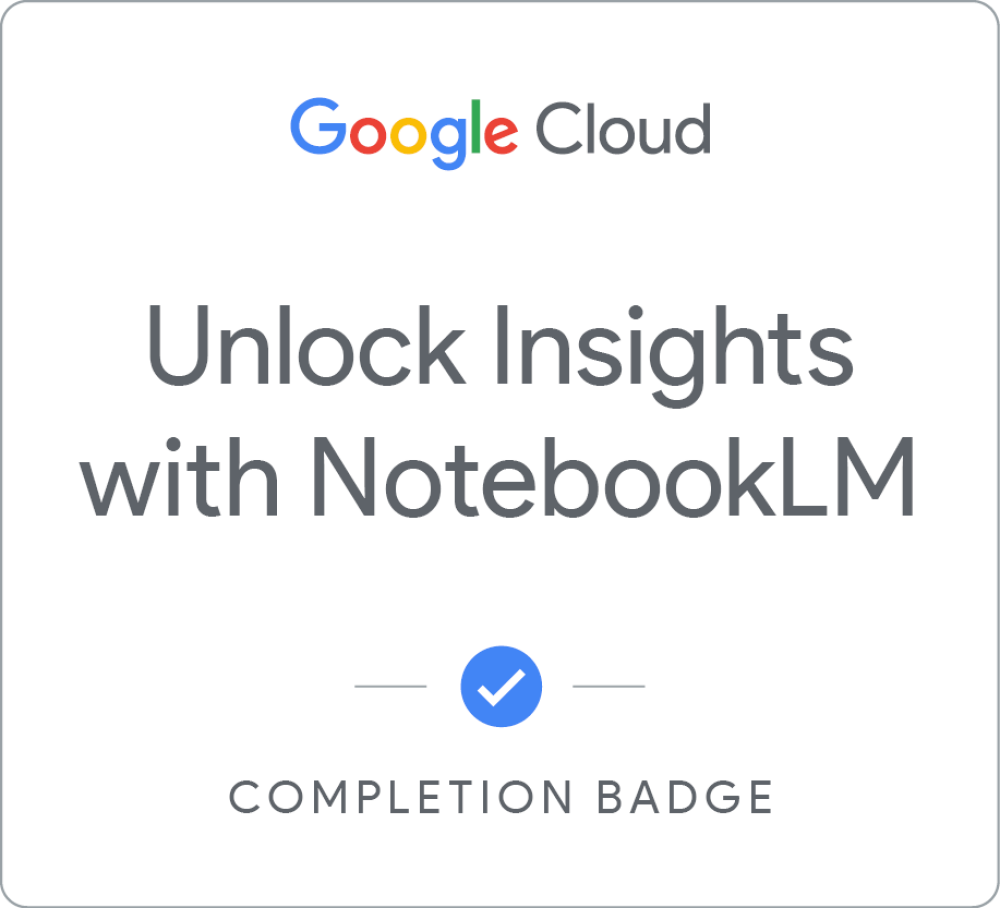
Unlock Insights with NotebookLM
Earned Apr 24, 2026 EDT
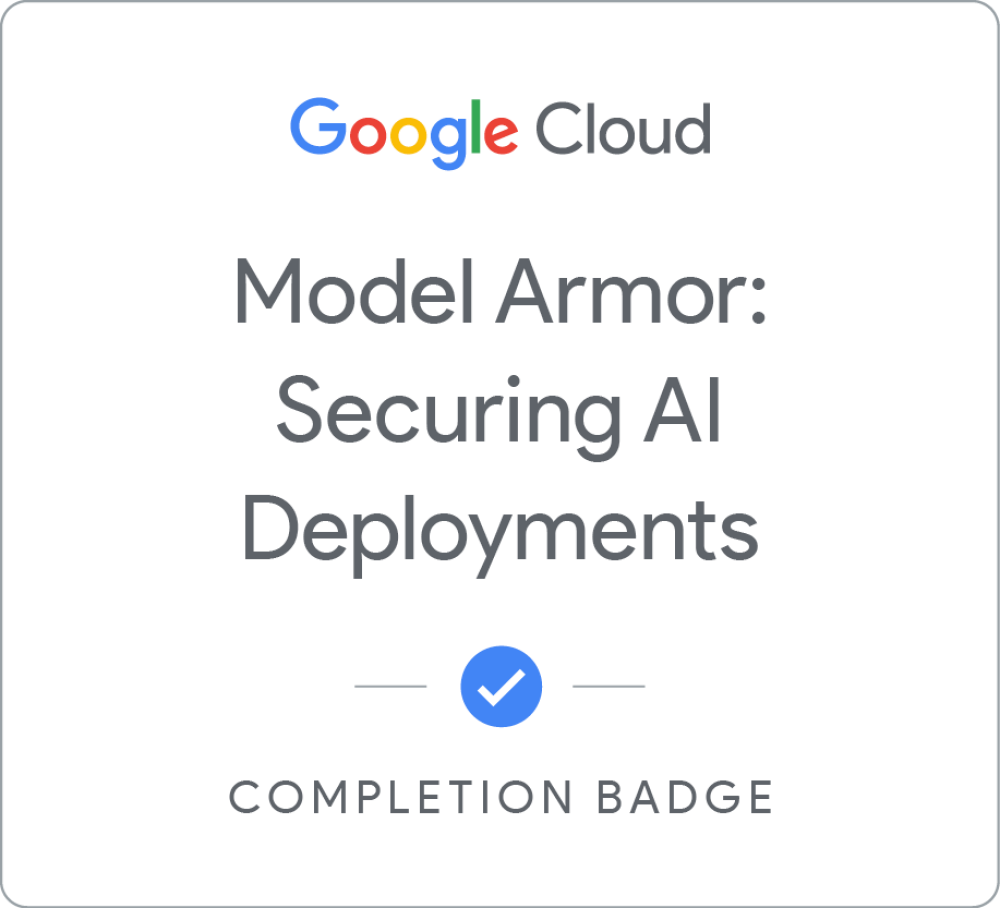
Model Armor:保障 AI 部署安全
Earned Apr 24, 2026 EDT
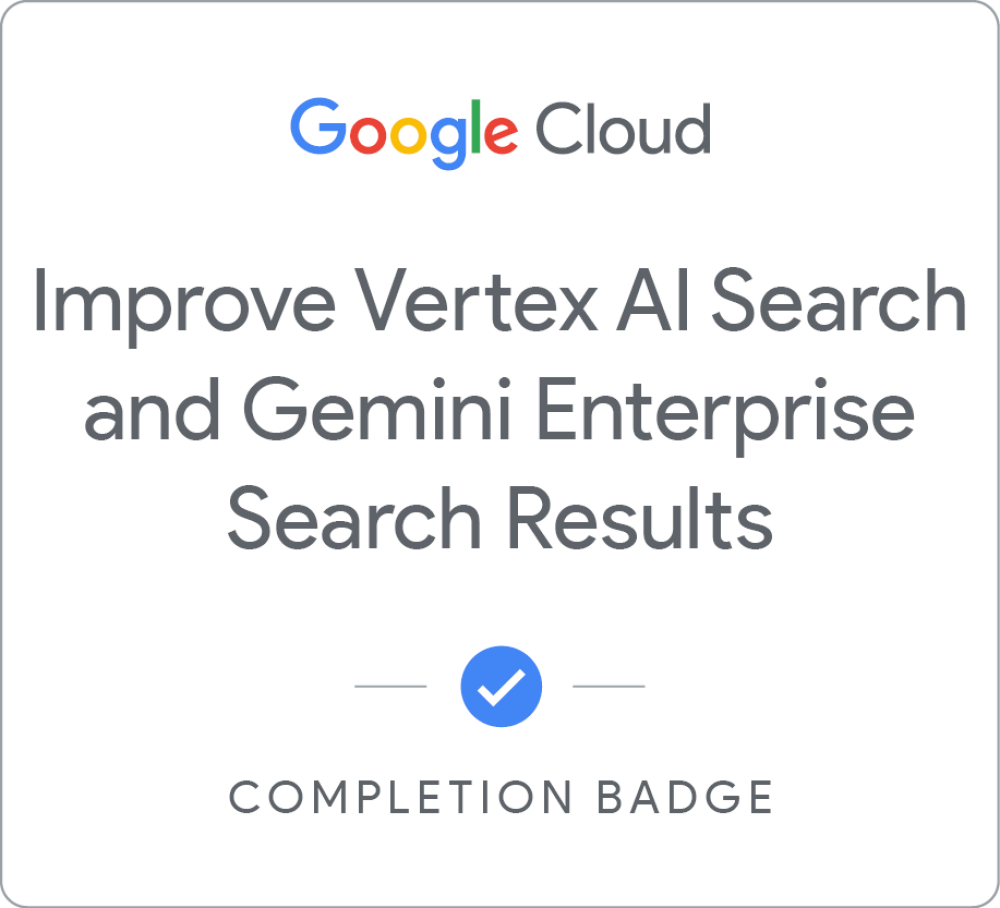
Improve Vertex AI Search and Gemini Enterprise Search Results
Earned Apr 24, 2026 EDT
Google Workspace for IT Administrators
Earned Apr 8, 2022 EDT
DEPRECATED Planning for a Google Workspace Deployment
Earned Apr 1, 2022 EDT
Google Workspace 数据治理
Earned Mar 31, 2022 EDT
Google Workspace 安全性
Earned Mar 31, 2022 EDT
Google Workspace 核心服务
Earned Mar 21, 2022 EDT
Google Workspace 用户和资源管理
Earned Mar 21, 2022 EDT
Google Sheets - Advanced Topics
Earned Mar 21, 2022 EDT
Google Meet
Earned Mar 21, 2022 EDT
Google Slides
Earned Mar 21, 2022 EDT
Google Sheets
Earned Mar 21, 2022 EDT
Google Drive
Earned Mar 21, 2022 EDT
Google Docs
Earned Mar 21, 2022 EDT
Google Calendar
Earned Mar 21, 2022 EDT
Gmail
Earned Mar 21, 2022 EDT
In this challenge lab, you act as a Security Engineer deploying a secure Gemini Enterprise environment for Cymbal Bank. You will ground Gemini in web search and internal Workspace sources to ensure accurate, contextual responses. To maintain compliance, you will configure Model Armor policies to filter sensitive data and block threats like prompt injections and malicious URLs. Finally, you will manage specific end-user features to customize the AI experience safely
了解详情
In this course, you will learn how to centralize diverse sources like PDFs, web pages, and even audio files into a single, intelligent workspace. You will learn to chat with your documents to find specific information, generate instant summaries, and verify answers with AI-powered citations.
了解详情
本课程回顾了 Model Armor 的基本安全功能,并让您能够使用该服务。您将了解与 LLM 相关的安全风险,以及 Model Armor 如何保护您的 AI 应用。
了解详情
If you've worked with data, you know that some data is more reliable than other data.
In this course, you'll learn a variety of techniques to present the most reliable or useful results to your users. Create serving controls to boost or bury search results. Rank search results to ensure that each query is answered by the most relevant data. If needed, tune your search engine. Learn to measure search results to ensure your search applications deliver the best possible results to each user.
(Please note Gemini Enterprise was previously named Google Agentspace, there may be references to the previous product name in this course.)
了解详情
Initial deployment of Agent Search and Gemini Enterprise apps takes only a few clicks, but getting the configurations right can elevate a deployment from a basic off-the-shelf app to an excellent custom search or recommendations experience.
In this course, you'll learn more about the many ways you can customize and improve search, recommendations, and Gemini Enterprise apps.
了解详情
This course provides learners the knowledge to configure Workforce Identity Federation to grant Google Cloud and Gemini Enterprise access to users that authenticate using a third-party Identity Provider. The curriculum includes theory and demo videos covering workforce identity pools, OIDC and SAML providers, attribute mapping, IAM policies, and troubleshooting guidance.
了解详情
In this challenge lab, you will demonstrate your ability to add agents to a Gemini Enterprise app. You will build an agent with Agent Designer. And you will build a no-code agent with Agent Development Kit, deploy it to Agent Engine, and add it to the Gemini Enterprise app.
了解详情
Complete the Extend Gemini Enterprise Assistant Capabilities skill badge to demonstrate your ability to extend Gemini Enterprise assistant's capabilities with actions, grounding with Google Search, and a conversational agent.
A skill badge is an exclusive digital badge issued by Google Cloud in recognition of your proficiency with Google Cloud products and services and tests your ability to apply your knowledge in an interactive hands-on environment. Complete the assessment challenge lab, to receive a skill badge that you can share with your network.
When you complete this course, you can earn the badge displayed here and claim it on Credly! Boost your cloud career by showing the world the skills you have developed!
了解详情
This course will guide you through designing customer engagements that result in successful, well-utilized Gemini Enterprise deployments. Study the art of change management, how to identify and engage sponsors, recruit early adopters, help your customer identify and address cultural change challenges and skills gaps, and effectively deliver project communications. Additionally, learn how to support your customer to plan, offer, conduct, and evaluate end-user training, leverage partner resources, and create essential project documents.
了解详情
Gemini Enterprise 结合了 Google 在搜索和 AI 领域的专长。它是一款强大的工具,让员工只需通过一个搜索栏,就能从文档库、邮件、聊天消息、工单系统及其他数据源中查找具体信息。Gemini Enterprise 助理还能帮助进行头脑风暴、开展研究、生成文档大纲并执行其他操作,比如邀请同事参加某个日历活动。因此它能加快知识型工作的进度并提升协作效率。(请注意,Gemini Enterprise 以前称为 Google Agentspace,本课程中可能会提及以前的产品名称。)
了解详情
In this quest, you will gain hands-on experience on several topics in Google Workspace Administration including security, provisioning users and groups, managing applications, and managing Google Meet.
了解详情
Planning for a Google Workspace Deployment is the final course in the Google Workspace Administration series.
In this course, you will be introduced to Google's deployment methodology and best practices. You will follow Katelyn and Marcus as they plan for a Google Workspace deployment at Cymbal. They'll focus on the core technical project areas of provisioning, mail flow, data migration, and coexistence, and will consider the best deployment strategy for each area.
You will also be introduced to the importance of Change Management in a Google Workspace deployment, ensuring that users make a smooth transition to Google Workspace and gain the benefits of work transformation through communications, support, and training.
This course covers theoretical topics, and does not have any hands on exercises. If you haven’t already done so, please cancel your Google Workspace trial now to avoid any unwanted charges.
了解详情
本课程旨在帮助学员掌握在 Google Workspace 环境中管理数据的技能。学员将探索如何在 Gmail 和云端硬盘中利用数据泄露防护规则来防止数据泄露。然后学习如何使用 Google 保险柜来保留、保存和检索数据。接着,学员将学习如何配置数据区域和导出设置,以遵循监管法规。最后,学员将了解如何使用标签对数据进行分类,以强化组织管理并提升安全性。
了解详情
本课程旨在帮助学员保护自身 Google Workspace 环境的安全。学员将实施安全系数高的密码政策和两步验证,以管理用户访问权限。然后,他们将利用安全调查工具主动识别和应对安全风险。接下来,他们将管理第三方应用访问权限和移动设备,以确保安全性。最后,学员将强制执行邮件安全和合规措施,以保护组织数据。
了解详情
本课程旨在让学员全面了解 Google Workspace 核心服务。学员将探索如何启用、停用这些服务(包括 Gmail、Google 日历、云端硬盘、Meet、Chat 和文档)以及为这些服务配置设置。随后,他们将学习如何部署和管理 Gemini,以赋能用户。最后,学员将了解 AppSheet 和 Apps 脚本的应用场景,学习如何使用它们自动执行任务并扩展 Google Workspace 应用的功能。
了解详情
本课程旨在帮助您了解 Google Workspace 中的用户和资源管理流程。学员将探索如何根据组织的需求配置组织部门。此外,学员还将了解如何管理各种类型的 Google 群组。他们还将掌握在 Google Workspace 中管理网域设置的专业知识。最后,学员将掌握如何在 Google Workspace 环境中优化和构建资源。
了解详情
This course builds on some of the concepts covered in the earlier Google Sheets course.
In this course, you will learn how to apply and customize themes In Google Sheets, and explore conditional formatting options.
You will learn about some of Google Sheets’ advanced formulas and functions. You will explore how to create formulas using functions, and you will also learn how to reference and validate your data in a Google Sheet.
Spreadsheets can hold millions of numbers, formulas, and text. Making sense of all of that data can be difficult without a summary or visualization. This course explores the data visualization options in Google Sheets, such as charts and pivot tables.
Google Forms are online surveys used to collect data and provide the opportunity for quick data analysis. You will explore how Forms and Sheets work together by connecting collected Form data to a spreadsheet, or by creating a Form from an existing spreadsheet.
了解详情
In this course, we introduce you to Google Meet, Google’s video conference software included with Google Workspace.
You learn how to create and manage video conference meetings using Google Meet. You explore different ways to open Google Meet and add people to a video conference. You also learn how to join meetings from different sources like calendar events or meeting links.
We discuss how Google Meet can help you better communicate, exchange ideas, and share resources with your team wherever they are. You learn how to customize the Google Meet environment to fit your needs and how to effectively use chat messages during a video conference. You also explore different ways to share resources, such as by using calendar invites or attachments.
You learn about using host controls in Google Meet to manage participants and utilize interactive moderation features. You also learn how to record and live stream video conferences.
了解详情
With Google Slides, you can create and present professional presentations for sales, projects, training modules, and much more.
Google Slides presentations are stored safely in the cloud. You build presentations right in your web browser—no special software is required. Even better, multiple people can work on your slides at the same time, you can see people’s changes as they make them, and every change is automatically saved.
You will learn how to open Google Slides, create a blank presentation, and create a presentation from a template. You will explore themes, layout options, and how to add and format content, and speaker notes in your presentations.
You will learn how to enhance your slides by adding tables, images, charts, and more. You will also learn how to use slide transitions and object animations in your presentation for visual effects.
We will discuss how to organize slides and explore some of the options, including duplicating and ordering your slides, importi…
了解详情
In this course we will introduce you to Google Sheets, Google’s cloud-based spreadsheet software, included with Google Workspace.
With Google Sheets, you can create and edit spreadsheets directly in your web browser—no special software is required.
Multiple people can work simultaneously, you can see people’s changes as they make them, and every change is saved automatically.
You will learn how to open Google Sheets, create a blank spreadsheet, and create a spreadsheet from a template. You will add, import, sort, filter and format your data using Google Sheets and learn how to work across different file types.
Formulas and functions allow you to make quick calculations and better use your data. We will look at creating a basic formula, using functions, and referencing data. You will also learn how to add a chart to your spreadsheet.
Google Sheets spreadsheets are easy to share. We will look at the different ways you can share with others. We will also discuss how to track changes…
了解详情
Google Drive is Google’s cloud-based file storage service. Google Drive lets you keep all your work in one place, view different file formats without the need for additional software, and access your files from any device.
In this course, you will learn how to navigate your Google Drive. You will learn how to upload files and folders and how to work across file types. You will also learn how you can easily view, arrange, organize, modify, and remove files in Google Drive.
Google Drive includes shared drives. You can use shared drives to store, search, and access files with a team. You will learn how to create a new shared drive, add and manage members, and manage the shared drive content.
Google Workspace is synonymous with collaboration and sharing. You will explore the sharing options available to you in Google Drive, and you will learn about the various collaborator roles and permissions that can be assigned.
You’ll also explore ways to ensure consistency and save time…
了解详情
With Google Docs, your documents are stored in the cloud, and you can access them from any computer or device. You create and edit documents right in your web browser; no special software is required. Even better, multiple people can work at the same time, you can see people’s changes as they make them, and every change is saved automatically.
In this course, you will learn how to open Google Docs, create and format a new document, and apply a template to a new document.
You will learn how to enhance your documents using a table of contents, headers and footers, tables, drawings, images, and more.
You will learn how to share your documents with others. We will discuss your sharing options and examine collaborator roles and permissions. You will learn how to manage versions of your documents.
Google Docs allows you to work in real time with others on the same document. You will learn how to create and manage comments and action items in your documents.
We will review a few of the G…
了解详情
With Google Calendar, you can quickly schedule meetings and events and create tasks, so you always know what’s next. Google Calendar is designed for teams, so it’s easy to share your schedule with others and create multiple calendars that you and your team can use together.
In this course, you’ll learn how to create and manage Google Calendar events. You will learn how to update an existing event, delete and restore events, and search your calendar.
You will understand when to apply different event types such as tasks and appointment schedules.
You will explore the Google Calendar settings that are available for you to customize Google Calendar to suit your way of working.
During the course you will learn how to create additional calendars, share your calendars with others, and access other calendars in your organization.
了解详情
Gmail is Google’s cloud based email service that allows you to access your messages from any computer or device with just a web browser.
In this course, you’ll learn how to compose, send and reply to messages. You will also explore some of the common actions that can be applied to a Gmail message, and learn how to organize your mail using Gmail labels.
You will explore some common Gmail settings and features. For example, you will learn how to manage your own personal contacts and groups, customize your Gmail Inbox to suit your way of working, and create your own email signatures and templates.
Google is famous for search. Gmail also includes powerful search and filtering. You will explore Gmail’s advanced search and learn how to filter messages automatically.


 Deploy Gemini Enterprise with Workspace Data Sources and Model Armor
Earned Apr 24, 2026 EDT
Deploy Gemini Enterprise with Workspace Data Sources and Model Armor
Earned Apr 24, 2026 EDT
 Unlock Insights with NotebookLM
Earned Apr 24, 2026 EDT
Unlock Insights with NotebookLM
Earned Apr 24, 2026 EDT
 Model Armor:保障 AI 部署安全
Earned Apr 24, 2026 EDT
Model Armor:保障 AI 部署安全
Earned Apr 24, 2026 EDT
 Improve Vertex AI Search and Gemini Enterprise Search Results
Earned Apr 24, 2026 EDT
Improve Vertex AI Search and Gemini Enterprise Search Results
Earned Apr 24, 2026 EDT
 Agent Search UI configurations on Agent Platform
Earned Apr 24, 2026 EDT
Agent Search UI configurations on Agent Platform
Earned Apr 24, 2026 EDT
 Use a Third-Party Identity Provider with Workforce Identity Federation
Earned Apr 24, 2026 EDT
Use a Third-Party Identity Provider with Workforce Identity Federation
Earned Apr 24, 2026 EDT
 Add Agents to Gemini Enterprise
Earned Apr 24, 2026 EDT
Add Agents to Gemini Enterprise
Earned Apr 24, 2026 EDT
 Extend Gemini Enterprise Assistant Capabilities
Earned Apr 24, 2026 EDT
Extend Gemini Enterprise Assistant Capabilities
Earned Apr 24, 2026 EDT
 Plan Change Management for Gemini Enterprise Deployments
Earned Apr 23, 2026 EDT
Plan Change Management for Gemini Enterprise Deployments
Earned Apr 23, 2026 EDT
 借助 Gemini Enterprise 加速知识交流
Earned Apr 23, 2026 EDT
借助 Gemini Enterprise 加速知识交流
Earned Apr 23, 2026 EDT
 Google Workspace for IT Administrators
Earned Apr 8, 2022 EDT
Google Workspace for IT Administrators
Earned Apr 8, 2022 EDT
 DEPRECATED Planning for a Google Workspace Deployment
Earned Apr 1, 2022 EDT
DEPRECATED Planning for a Google Workspace Deployment
Earned Apr 1, 2022 EDT
 Google Workspace 数据治理
Earned Mar 31, 2022 EDT
Google Workspace 数据治理
Earned Mar 31, 2022 EDT
 Google Workspace 安全性
Earned Mar 31, 2022 EDT
Google Workspace 安全性
Earned Mar 31, 2022 EDT
 Google Workspace 核心服务
Earned Mar 21, 2022 EDT
Google Workspace 核心服务
Earned Mar 21, 2022 EDT
 Google Workspace 用户和资源管理
Earned Mar 21, 2022 EDT
Google Workspace 用户和资源管理
Earned Mar 21, 2022 EDT
 Google Sheets - Advanced Topics
Earned Mar 21, 2022 EDT
Google Sheets - Advanced Topics
Earned Mar 21, 2022 EDT
 Google Meet
Earned Mar 21, 2022 EDT
Google Meet
Earned Mar 21, 2022 EDT
 Google Slides
Earned Mar 21, 2022 EDT
Google Slides
Earned Mar 21, 2022 EDT
 Google Sheets
Earned Mar 21, 2022 EDT
Google Sheets
Earned Mar 21, 2022 EDT
 Google Drive
Earned Mar 21, 2022 EDT
Google Drive
Earned Mar 21, 2022 EDT
 Google Docs
Earned Mar 21, 2022 EDT
Google Docs
Earned Mar 21, 2022 EDT
 Google Calendar
Earned Mar 21, 2022 EDT
Google Calendar
Earned Mar 21, 2022 EDT
 Gmail
Earned Mar 21, 2022 EDT
Gmail
Earned Mar 21, 2022 EDT