Vertex AI is now Gemini Enterprise Agent Platform! We are currently updating our content to reflect this change. Please bear with us if you encounter naming inconsistencies during this transition.
Sharifah Fatiaah Syed Hussin
회원 가입일: 2019
실버 리그
3444포인트
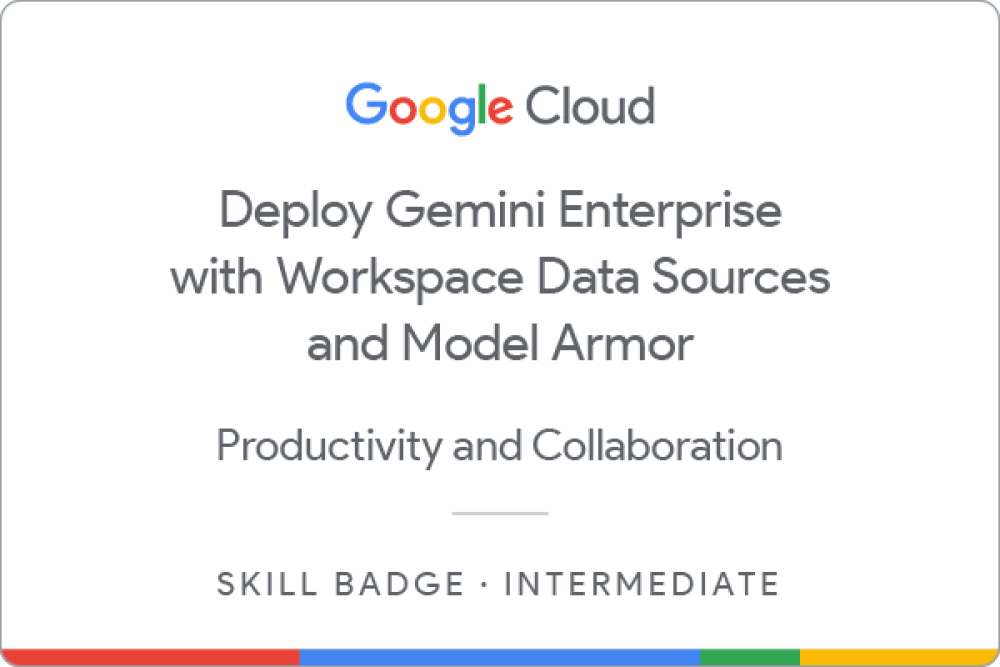
Deploy Gemini Enterprise with Workspace Data Sources and Model Armor
Earned 4월 24, 2026 EDT
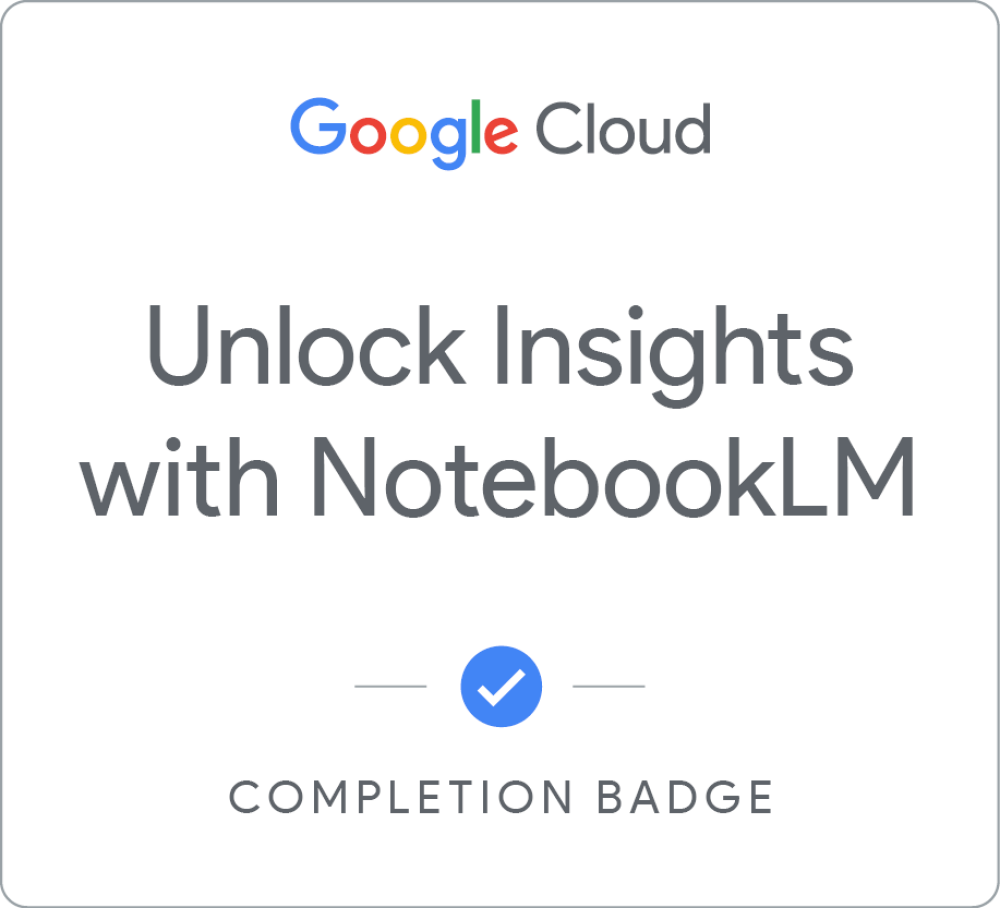
Unlock Insights with NotebookLM
Earned 4월 24, 2026 EDT
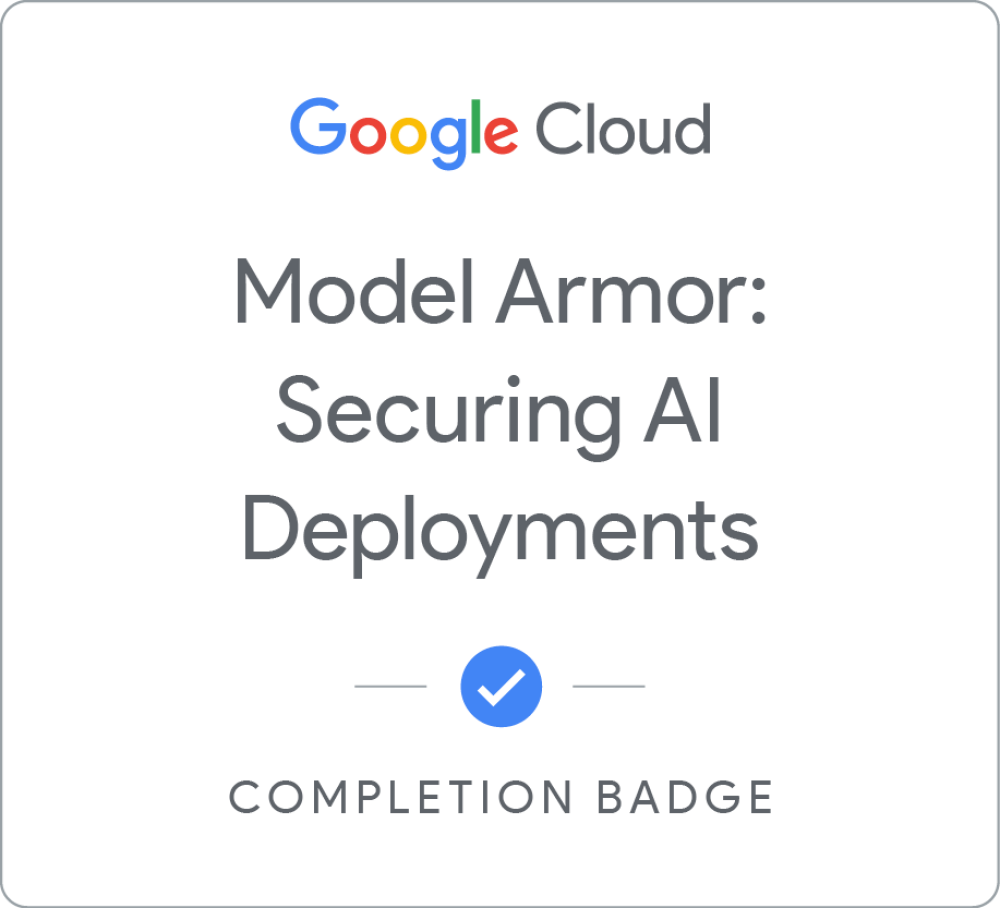
Model Armor: 안전한 AI 배포
Earned 4월 24, 2026 EDT
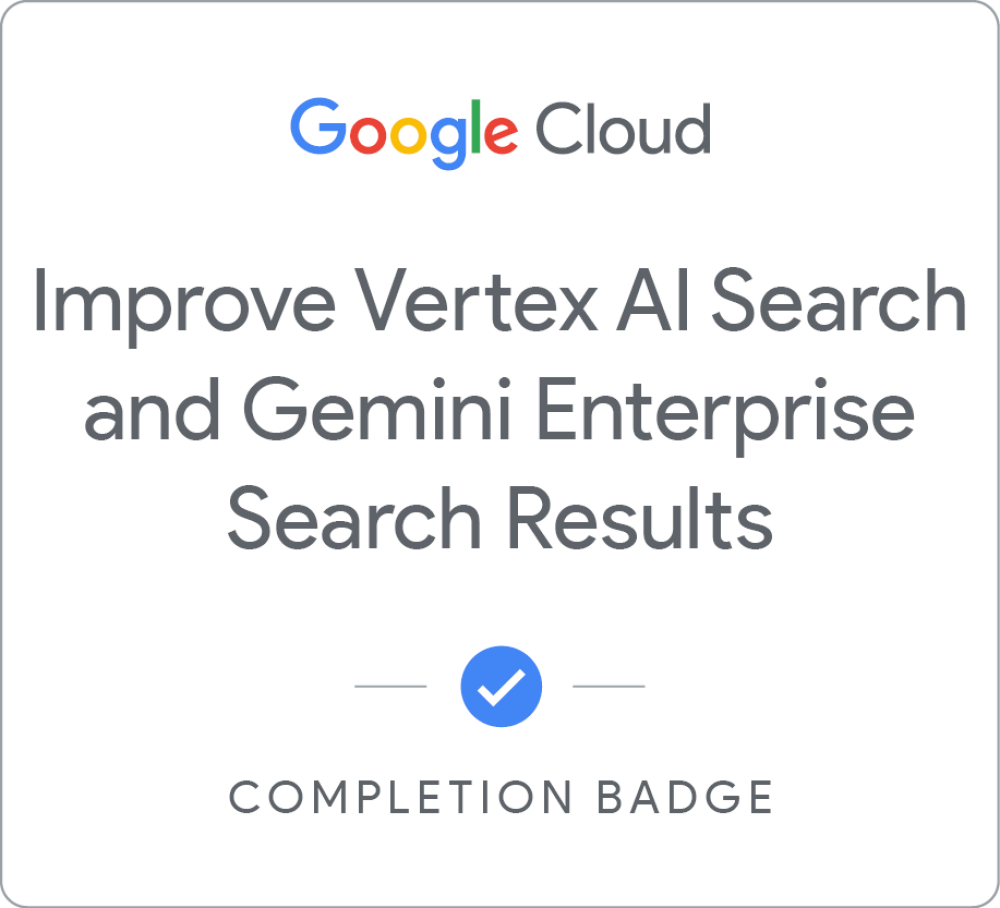
Improve Vertex AI Search and Gemini Enterprise Search Results
Earned 4월 24, 2026 EDT
Agent Search UI configurations on Agent Platform
Earned 4월 24, 2026 EDT
Use a Third-Party Identity Provider with Workforce Identity Federation
Earned 4월 24, 2026 EDT
Add Agents to Gemini Enterprise
Earned 4월 24, 2026 EDT
Extend Gemini Enterprise Assistant Capabilities
Earned 4월 24, 2026 EDT
Plan Change Management for Gemini Enterprise Deployments
Earned 4월 23, 2026 EDT
Gemini Enterprise로 더 신속하게 지식 교환
Earned 4월 23, 2026 EDT
Google Workspace for IT Administrators
Earned 4월 8, 2022 EDT
DEPRECATED Planning for a Google Workspace Deployment
Earned 4월 1, 2022 EDT
Google Workspace 데이터 거버넌스
Earned 3월 31, 2022 EDT
Google Workspace 보안
Earned 3월 31, 2022 EDT
Google Workspace 핵심 서비스
Earned 3월 21, 2022 EDT
Google Workspace 사용자 및 리소스 관리
Earned 3월 21, 2022 EDT
Google Sheets - Advanced Topics
Earned 3월 21, 2022 EDT
Google Meet
Earned 3월 21, 2022 EDT
Google Slides
Earned 3월 21, 2022 EDT
Google Sheets
Earned 3월 21, 2022 EDT
Google Drive
Earned 3월 21, 2022 EDT
Google Docs
Earned 3월 21, 2022 EDT
Google Calendar
Earned 3월 21, 2022 EDT
Gmail
Earned 3월 21, 2022 EDT
In this challenge lab, you act as a Security Engineer deploying a secure Gemini Enterprise environment for Cymbal Bank. You will ground Gemini in web search and internal Workspace sources to ensure accurate, contextual responses. To maintain compliance, you will configure Model Armor policies to filter sensitive data and block threats like prompt injections and malicious URLs. Finally, you will manage specific end-user features to customize the AI experience safely
자세히 알아보기
In this course, you will learn how to centralize diverse sources like PDFs, web pages, and even audio files into a single, intelligent workspace. You will learn to chat with your documents to find specific information, generate instant summaries, and verify answers with AI-powered citations.
자세히 알아보기
이 과정에서는 Model Armor의 필수 보안 기능을 검토하고 서비스를 사용할 수 있도록 준비합니다. LLM과 관련된 보안 위험과 Model Armor가 AI 애플리케이션을 보호하는 방법을 알아봅니다.
자세히 알아보기
If you've worked with data, you know that some data is more reliable than other data.
In this course, you'll learn a variety of techniques to present the most reliable or useful results to your users. Create serving controls to boost or bury search results. Rank search results to ensure that each query is answered by the most relevant data. If needed, tune your search engine. Learn to measure search results to ensure your search applications deliver the best possible results to each user.
(Please note Gemini Enterprise was previously named Google Agentspace, there may be references to the previous product name in this course.)
자세히 알아보기
Initial deployment of Agent Search and Gemini Enterprise apps takes only a few clicks, but getting the configurations right can elevate a deployment from a basic off-the-shelf app to an excellent custom search or recommendations experience.
In this course, you'll learn more about the many ways you can customize and improve search, recommendations, and Gemini Enterprise apps.
자세히 알아보기
This course provides learners the knowledge to configure Workforce Identity Federation to grant Google Cloud and Gemini Enterprise access to users that authenticate using a third-party Identity Provider. The curriculum includes theory and demo videos covering workforce identity pools, OIDC and SAML providers, attribute mapping, IAM policies, and troubleshooting guidance.
자세히 알아보기
In this challenge lab, you will demonstrate your ability to add agents to a Gemini Enterprise app. You will build an agent with Agent Designer. And you will build a no-code agent with Agent Development Kit, deploy it to Agent Engine, and add it to the Gemini Enterprise app.
자세히 알아보기
Complete the Extend Gemini Enterprise Assistant Capabilities skill badge to demonstrate your ability to extend Gemini Enterprise assistant's capabilities with actions, grounding with Google Search, and a conversational agent.
A skill badge is an exclusive digital badge issued by Google Cloud in recognition of your proficiency with Google Cloud products and services and tests your ability to apply your knowledge in an interactive hands-on environment. Complete the assessment challenge lab, to receive a skill badge that you can share with your network.
When you complete this course, you can earn the badge displayed here and claim it on Credly! Boost your cloud career by showing the world the skills you have developed!
자세히 알아보기
This course will guide you through designing customer engagements that result in successful, well-utilized Gemini Enterprise deployments. Study the art of change management, how to identify and engage sponsors, recruit early adopters, help your customer identify and address cultural change challenges and skills gaps, and effectively deliver project communications. Additionally, learn how to support your customer to plan, offer, conduct, and evaluate end-user training, leverage partner resources, and create essential project documents.
자세히 알아보기
직원들이 검색창 하나로 문서 스토리지, 이메일, 채팅, 티켓 시스템, 기타 데이터 소스에서 특정 정보를 찾을 수 있도록 설계된 강력한 도구인 Gemini Enterprise에는 Google의 전문적인 검색 및 AI 기술이 통합되어 있습니다. 또한 Gemini Enterprise 어시스턴트를 사용하면 브레인스토밍 및 조사는 물론 문서 개요를 작성하고 캘린더 일정에 동료를 초대하는 등의 작업에 도움이 되므로 직원들이 지식 관련 작업과 모든 종류의 협업을 빠르게 진행할 수 있습니다.
(Gemini Enterprise의 이전 명칭은 Google Agentspace였으며, 이 과정에서 이전 제품 이름이 언급될 수 있습니다.)
자세히 알아보기
In this quest, you will gain hands-on experience on several topics in Google Workspace Administration including security, provisioning users and groups, managing applications, and managing Google Meet.
자세히 알아보기
Planning for a Google Workspace Deployment is the final course in the Google Workspace Administration series.
In this course, you will be introduced to Google's deployment methodology and best practices. You will follow Katelyn and Marcus as they plan for a Google Workspace deployment at Cymbal. They'll focus on the core technical project areas of provisioning, mail flow, data migration, and coexistence, and will consider the best deployment strategy for each area.
You will also be introduced to the importance of Change Management in a Google Workspace deployment, ensuring that users make a smooth transition to Google Workspace and gain the benefits of work transformation through communications, support, and training.
This course covers theoretical topics, and does not have any hands on exercises. If you haven’t already done so, please cancel your Google Workspace trial now to avoid any unwanted charges.
자세히 알아보기
이 과정에서는 Google Workspace 환경 내에서 데이터를 관리하는 기술을 학습자에게 알려줍니다. 데이터 유출을 방지하기 위해 Gmail 및 Drive의 데이터 손실 방지 규칙을 살펴봅니다. 그런 다음 데이터 보관, 보존, 검색을 위해 Google Vault를 사용하는 방법을 배웁니다. 다음으로 규정을 준수하기 위해 데이터 리전과 내보내기 설정을 구성하는 방법을 알아봅니다. 마지막으로 학습자는 라벨을 사용해 데이터를 분류하여 조직과 보안을 강화하는 방법을 살펴보게 됩니다.
자세히 알아보기
이 과정에서는 학습자에게 Google Workspace 환경을 보호할 수 있는 역량을 제공합니다. 학습자는 안전한 비밀번호 정책과 2단계 인증을 구현하여 사용자 액세스를 제어하게 됩니다. 그런 다음 보안 조사 도구를 활용하여 보안 위험을 선제적으로 식별하고 이에 대응합니다. 다음으로 보안을 보장하기 위해 서드 파티 앱 액세스 및 휴대기기를 관리합니다. 마지막으로 학습자는 조직 데이터를 보호하기 위해 이메일 보안 및 규정 준수 조치를 시행합니다.
자세히 알아보기
이 과정은 학습자가 Google Workspace 핵심 서비스를 포괄적으로 이해할 수 있도록 설계되었습니다. 학습자는 Gmail, Calendar, Drive, Meet, Chat, Docs를 비롯한 서비스의 설정을 사용 설정, 중지, 구성하는 방법을 살펴보게 됩니다. 다음으로 Gemini를 배포하고 관리하여 사용자 역량을 강화하는 방법도 알아봅니다. 마지막으로 학습자는 AppSheet와 Apps Script의 사용 사례를 통해 작업을 자동화하고 Google Workspace 애플리케이션의 기능을 확장하는 방법을 살펴봅니다.
자세히 알아보기
이 과정은 Google Workspace의 사용자 및 리소스 관리를 이해하는 데 도움이 되도록 설계되었습니다. 학습자는 조직 요구사항에 맞는 조직 단위의 구성을 살펴보게 됩니다. 다양한 유형의 Google 그룹을 관리하는 방법도 알아봅니다. 또한 Google Workspace 내에서 도메인 설정을 관리하기 위한 전문성을 향상시킵니다. 마지막으로 학습자는 Google Workspace 환경 내에서 리소스를 최적화하고 구조화하는 방법을 익히게 됩니다.
자세히 알아보기
This course builds on some of the concepts covered in the earlier Google Sheets course.
In this course, you will learn how to apply and customize themes In Google Sheets, and explore conditional formatting options.
You will learn about some of Google Sheets’ advanced formulas and functions. You will explore how to create formulas using functions, and you will also learn how to reference and validate your data in a Google Sheet.
Spreadsheets can hold millions of numbers, formulas, and text. Making sense of all of that data can be difficult without a summary or visualization. This course explores the data visualization options in Google Sheets, such as charts and pivot tables.
Google Forms are online surveys used to collect data and provide the opportunity for quick data analysis. You will explore how Forms and Sheets work together by connecting collected Form data to a spreadsheet, or by creating a Form from an existing spreadsheet.
자세히 알아보기
In this course, we introduce you to Google Meet, Google’s video conference software included with Google Workspace.
You learn how to create and manage video conference meetings using Google Meet. You explore different ways to open Google Meet and add people to a video conference. You also learn how to join meetings from different sources like calendar events or meeting links.
We discuss how Google Meet can help you better communicate, exchange ideas, and share resources with your team wherever they are. You learn how to customize the Google Meet environment to fit your needs and how to effectively use chat messages during a video conference. You also explore different ways to share resources, such as by using calendar invites or attachments.
You learn about using host controls in Google Meet to manage participants and utilize interactive moderation features. You also learn how to record and live stream video conferences.
자세히 알아보기
With Google Slides, you can create and present professional presentations for sales, projects, training modules, and much more.
Google Slides presentations are stored safely in the cloud. You build presentations right in your web browser—no special software is required. Even better, multiple people can work on your slides at the same time, you can see people’s changes as they make them, and every change is automatically saved.
You will learn how to open Google Slides, create a blank presentation, and create a presentation from a template. You will explore themes, layout options, and how to add and format content, and speaker notes in your presentations.
You will learn how to enhance your slides by adding tables, images, charts, and more. You will also learn how to use slide transitions and object animations in your presentation for visual effects.
We will discuss how to organize slides and explore some of the options, including duplicating and ordering your slides, importi…
자세히 알아보기
In this course we will introduce you to Google Sheets, Google’s cloud-based spreadsheet software, included with Google Workspace.
With Google Sheets, you can create and edit spreadsheets directly in your web browser—no special software is required.
Multiple people can work simultaneously, you can see people’s changes as they make them, and every change is saved automatically.
You will learn how to open Google Sheets, create a blank spreadsheet, and create a spreadsheet from a template. You will add, import, sort, filter and format your data using Google Sheets and learn how to work across different file types.
Formulas and functions allow you to make quick calculations and better use your data. We will look at creating a basic formula, using functions, and referencing data. You will also learn how to add a chart to your spreadsheet.
Google Sheets spreadsheets are easy to share. We will look at the different ways you can share with others. We will also discuss how to track changes…
자세히 알아보기
Google Drive is Google’s cloud-based file storage service. Google Drive lets you keep all your work in one place, view different file formats without the need for additional software, and access your files from any device.
In this course, you will learn how to navigate your Google Drive. You will learn how to upload files and folders and how to work across file types. You will also learn how you can easily view, arrange, organize, modify, and remove files in Google Drive.
Google Drive includes shared drives. You can use shared drives to store, search, and access files with a team. You will learn how to create a new shared drive, add and manage members, and manage the shared drive content.
Google Workspace is synonymous with collaboration and sharing. You will explore the sharing options available to you in Google Drive, and you will learn about the various collaborator roles and permissions that can be assigned.
You’ll also explore ways to ensure consistency and save time…
자세히 알아보기
With Google Docs, your documents are stored in the cloud, and you can access them from any computer or device. You create and edit documents right in your web browser; no special software is required. Even better, multiple people can work at the same time, you can see people’s changes as they make them, and every change is saved automatically.
In this course, you will learn how to open Google Docs, create and format a new document, and apply a template to a new document.
You will learn how to enhance your documents using a table of contents, headers and footers, tables, drawings, images, and more.
You will learn how to share your documents with others. We will discuss your sharing options and examine collaborator roles and permissions. You will learn how to manage versions of your documents.
Google Docs allows you to work in real time with others on the same document. You will learn how to create and manage comments and action items in your documents.
We will review a few of the G…
자세히 알아보기
With Google Calendar, you can quickly schedule meetings and events and create tasks, so you always know what’s next. Google Calendar is designed for teams, so it’s easy to share your schedule with others and create multiple calendars that you and your team can use together.
In this course, you’ll learn how to create and manage Google Calendar events. You will learn how to update an existing event, delete and restore events, and search your calendar.
You will understand when to apply different event types such as tasks and appointment schedules.
You will explore the Google Calendar settings that are available for you to customize Google Calendar to suit your way of working.
During the course you will learn how to create additional calendars, share your calendars with others, and access other calendars in your organization.
자세히 알아보기
Gmail is Google’s cloud based email service that allows you to access your messages from any computer or device with just a web browser.
In this course, you’ll learn how to compose, send and reply to messages. You will also explore some of the common actions that can be applied to a Gmail message, and learn how to organize your mail using Gmail labels.
You will explore some common Gmail settings and features. For example, you will learn how to manage your own personal contacts and groups, customize your Gmail Inbox to suit your way of working, and create your own email signatures and templates.
Google is famous for search. Gmail also includes powerful search and filtering. You will explore Gmail’s advanced search and learn how to filter messages automatically.


 Deploy Gemini Enterprise with Workspace Data Sources and Model Armor
Earned 4월 24, 2026 EDT
Deploy Gemini Enterprise with Workspace Data Sources and Model Armor
Earned 4월 24, 2026 EDT
 Unlock Insights with NotebookLM
Earned 4월 24, 2026 EDT
Unlock Insights with NotebookLM
Earned 4월 24, 2026 EDT
 Model Armor: 안전한 AI 배포
Earned 4월 24, 2026 EDT
Model Armor: 안전한 AI 배포
Earned 4월 24, 2026 EDT
 Improve Vertex AI Search and Gemini Enterprise Search Results
Earned 4월 24, 2026 EDT
Improve Vertex AI Search and Gemini Enterprise Search Results
Earned 4월 24, 2026 EDT
 Agent Search UI configurations on Agent Platform
Earned 4월 24, 2026 EDT
Agent Search UI configurations on Agent Platform
Earned 4월 24, 2026 EDT
 Use a Third-Party Identity Provider with Workforce Identity Federation
Earned 4월 24, 2026 EDT
Use a Third-Party Identity Provider with Workforce Identity Federation
Earned 4월 24, 2026 EDT
 Add Agents to Gemini Enterprise
Earned 4월 24, 2026 EDT
Add Agents to Gemini Enterprise
Earned 4월 24, 2026 EDT
 Extend Gemini Enterprise Assistant Capabilities
Earned 4월 24, 2026 EDT
Extend Gemini Enterprise Assistant Capabilities
Earned 4월 24, 2026 EDT
 Plan Change Management for Gemini Enterprise Deployments
Earned 4월 23, 2026 EDT
Plan Change Management for Gemini Enterprise Deployments
Earned 4월 23, 2026 EDT
 Gemini Enterprise로 더 신속하게 지식 교환
Earned 4월 23, 2026 EDT
Gemini Enterprise로 더 신속하게 지식 교환
Earned 4월 23, 2026 EDT
 Google Workspace for IT Administrators
Earned 4월 8, 2022 EDT
Google Workspace for IT Administrators
Earned 4월 8, 2022 EDT
 DEPRECATED Planning for a Google Workspace Deployment
Earned 4월 1, 2022 EDT
DEPRECATED Planning for a Google Workspace Deployment
Earned 4월 1, 2022 EDT
 Google Workspace 데이터 거버넌스
Earned 3월 31, 2022 EDT
Google Workspace 데이터 거버넌스
Earned 3월 31, 2022 EDT
 Google Workspace 보안
Earned 3월 31, 2022 EDT
Google Workspace 보안
Earned 3월 31, 2022 EDT
 Google Workspace 핵심 서비스
Earned 3월 21, 2022 EDT
Google Workspace 핵심 서비스
Earned 3월 21, 2022 EDT
 Google Workspace 사용자 및 리소스 관리
Earned 3월 21, 2022 EDT
Google Workspace 사용자 및 리소스 관리
Earned 3월 21, 2022 EDT
 Google Sheets - Advanced Topics
Earned 3월 21, 2022 EDT
Google Sheets - Advanced Topics
Earned 3월 21, 2022 EDT
 Google Meet
Earned 3월 21, 2022 EDT
Google Meet
Earned 3월 21, 2022 EDT
 Google Slides
Earned 3월 21, 2022 EDT
Google Slides
Earned 3월 21, 2022 EDT
 Google Sheets
Earned 3월 21, 2022 EDT
Google Sheets
Earned 3월 21, 2022 EDT
 Google Drive
Earned 3월 21, 2022 EDT
Google Drive
Earned 3월 21, 2022 EDT
 Google Docs
Earned 3월 21, 2022 EDT
Google Docs
Earned 3월 21, 2022 EDT
 Google Calendar
Earned 3월 21, 2022 EDT
Google Calendar
Earned 3월 21, 2022 EDT
 Gmail
Earned 3월 21, 2022 EDT
Gmail
Earned 3월 21, 2022 EDT